Peoples
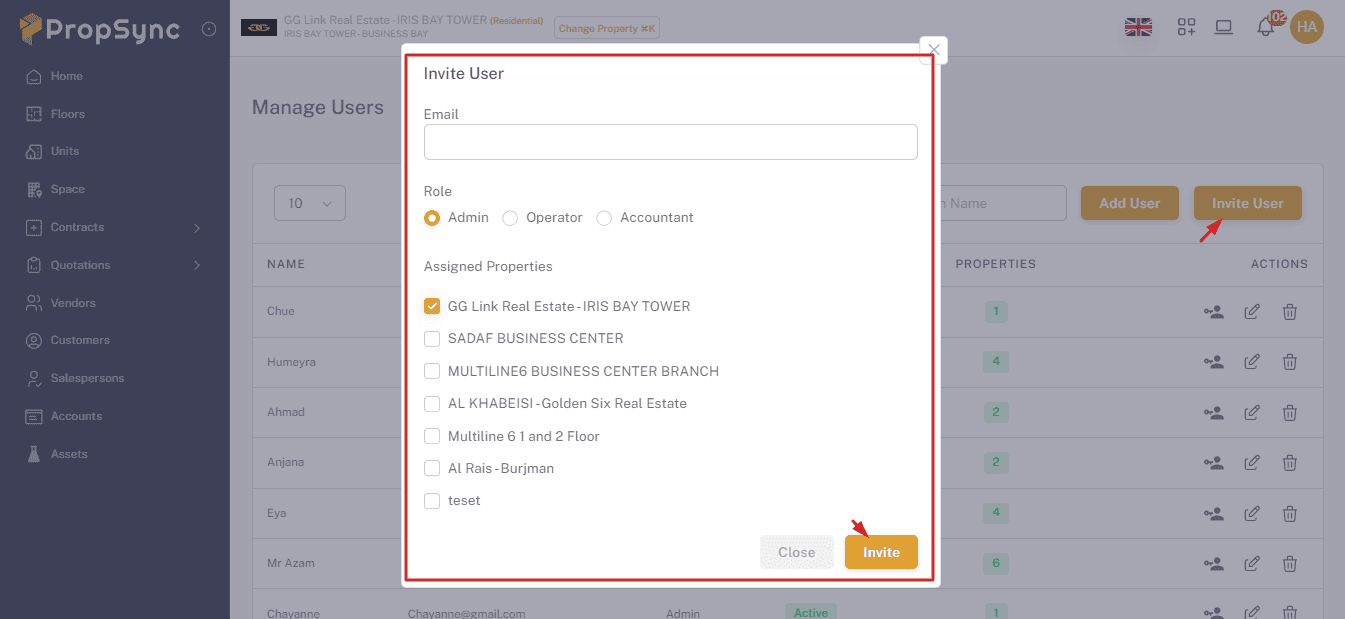
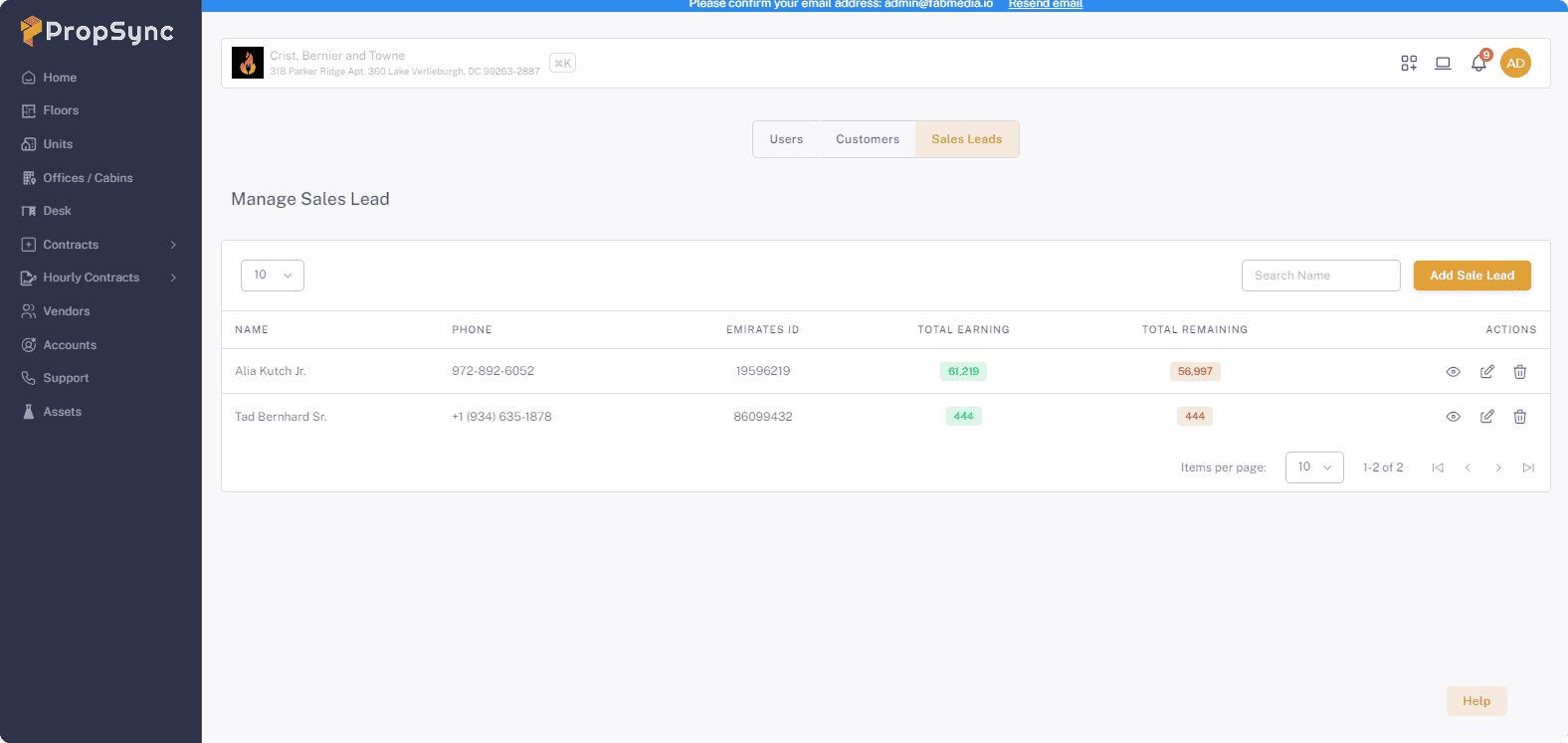
- Here youu can mange you all Users ,Customers and Sale Leads.
User
- Create: Click on Add User button.
- Edit: Click on pencil icon.
- Delete: Click on Trash icon.
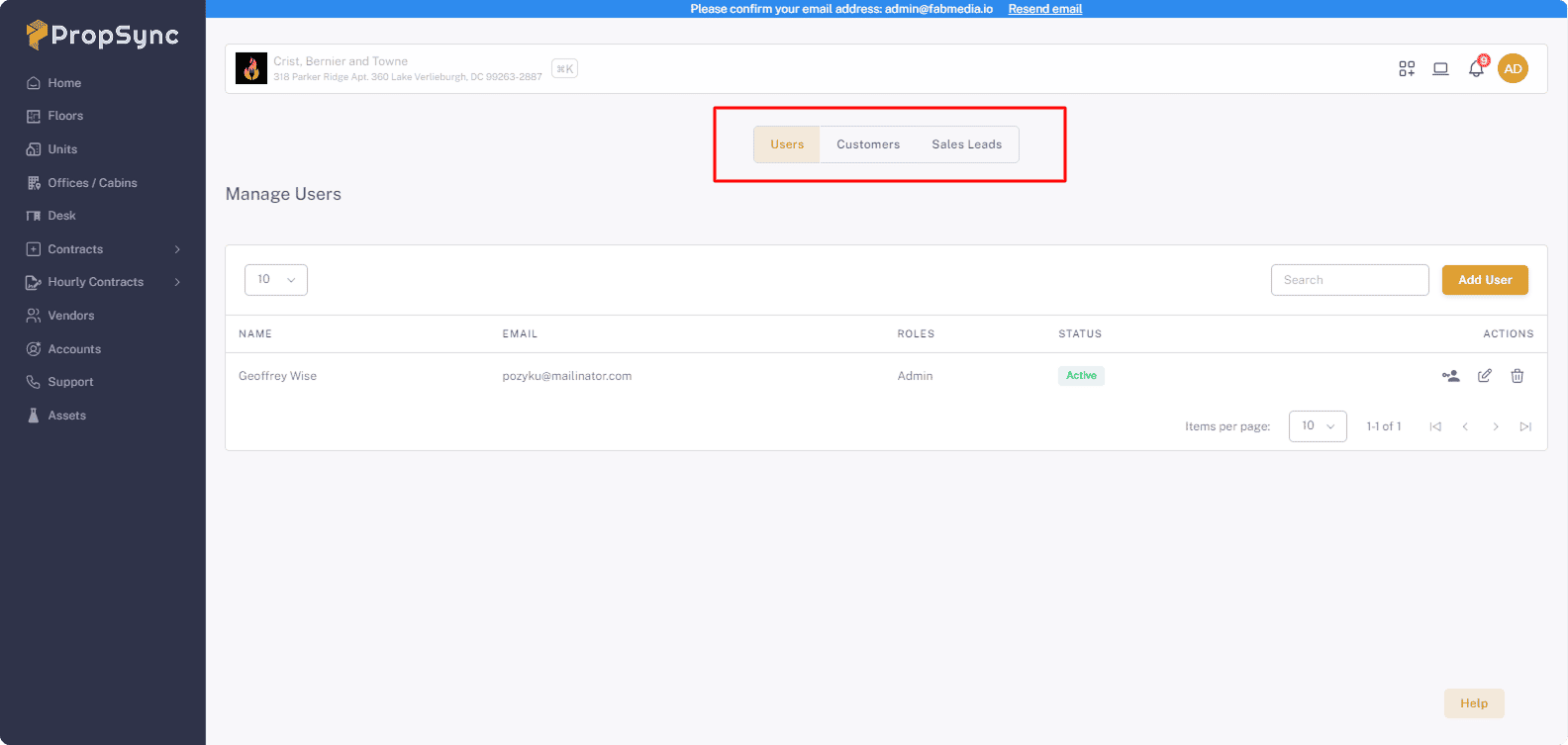
Change Password
Click on User Key icon and add the new password and click on Update button.
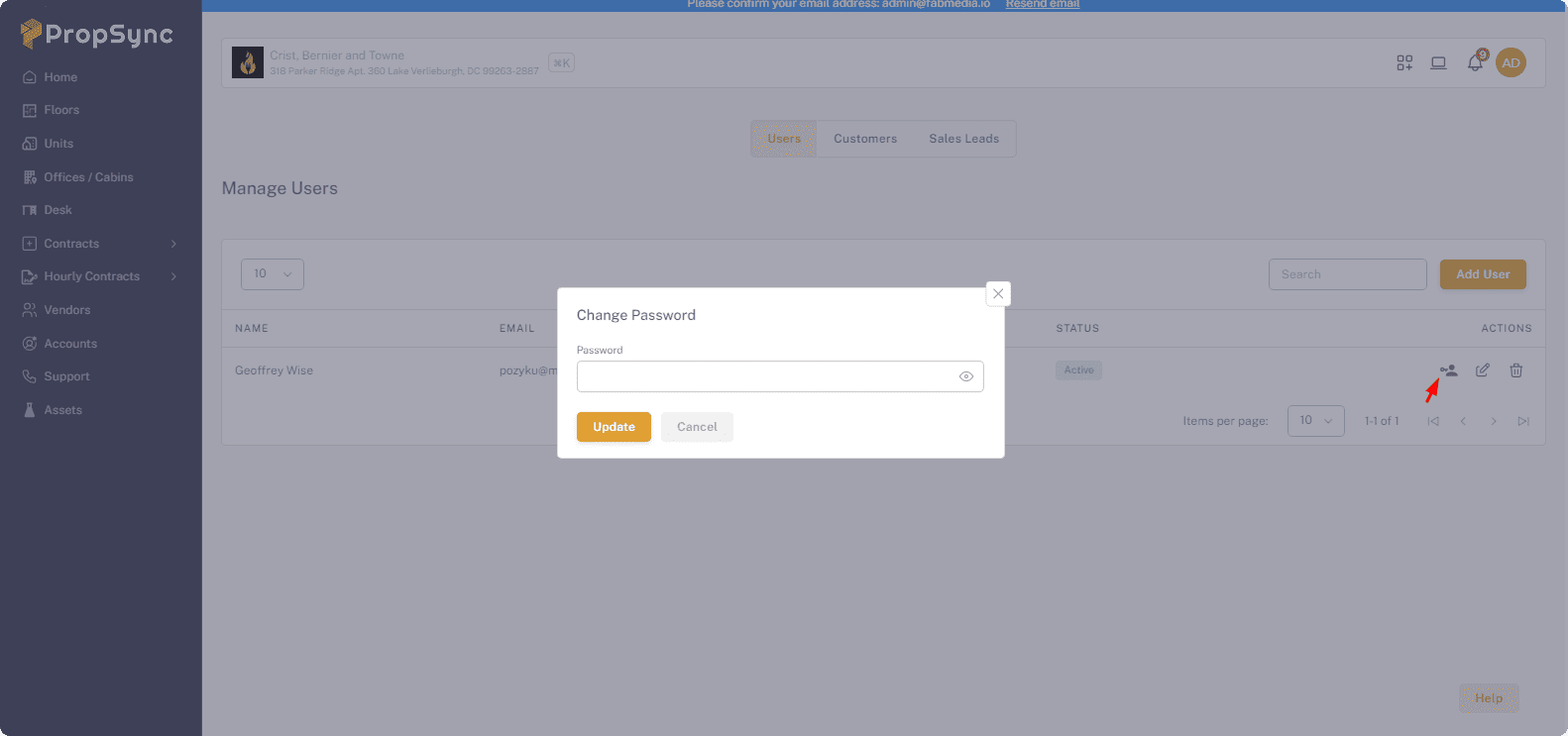
Customer
- Create: Click on Add Customer button.
- Edit: Click on pencil icon.
- Delete: Click on Trash icon.
Sale Lead
- Create: Click on Add Sale Lead button.
- Edit: Click on pencil icon.
- Delete: Click on Trash icon.
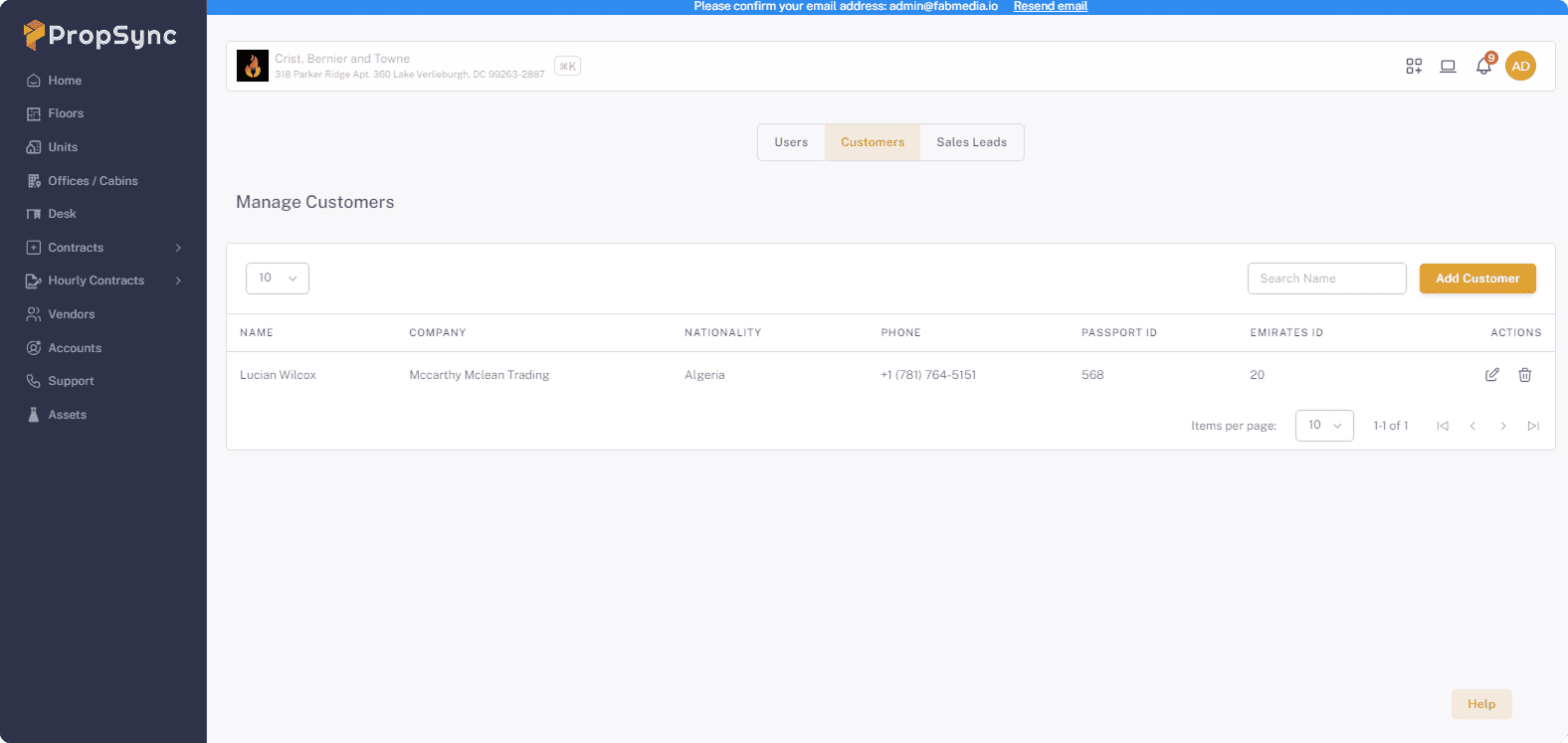
User Invitation
- Click On the user invitation button.
- Fill the Information.
- Check the email for the invitation.