Settings
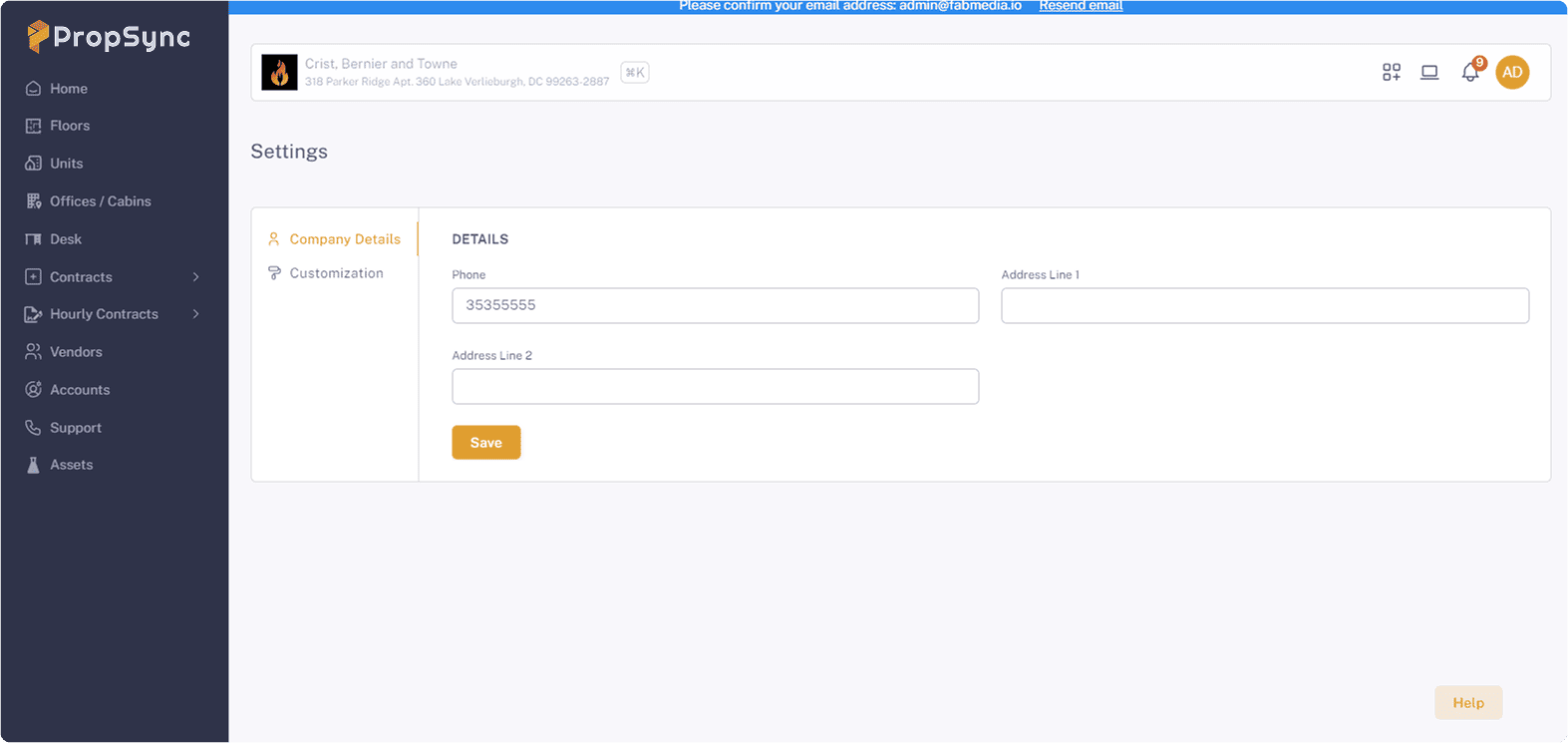
Company Setting
This feature allows you to update your company phone and address by:
- Add the information
- Click on Save button
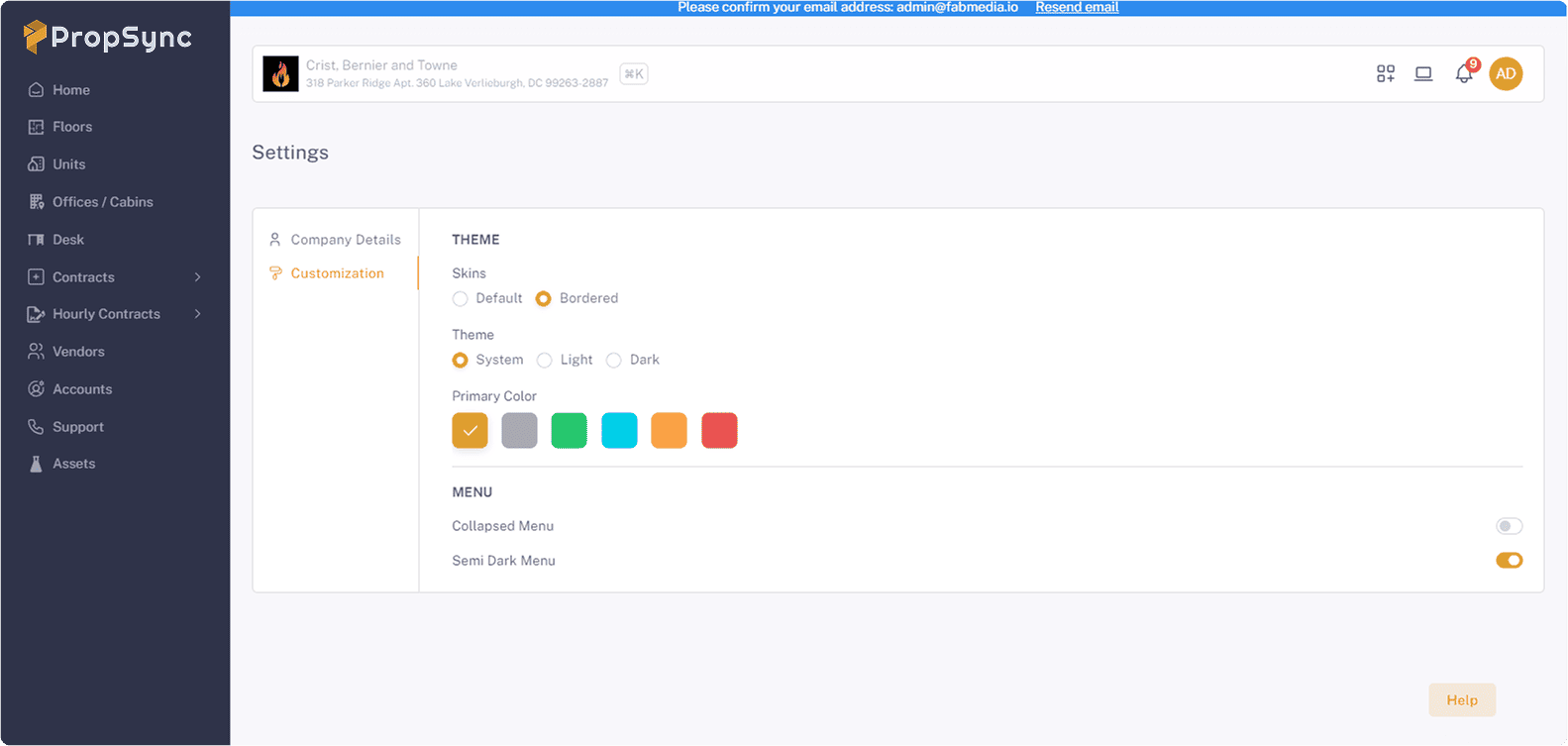
Customization
Personalize your interface with a variety of theme customization options. This feature allows you to:
Skins:
Personalize your interface with a selection of skins. Each skin offers a distinct design style, allowing you to easily change the look and feel of your application to suit different preferences or branding requirements.
Theme:
- Dark Mode: Reduce eye strain in low-light environments with a dark-themed interface.
- Light Mode: For a brighter, light-themed interface for better visibility in well-lit environments.
Primary Color:
Define the primary color of your theme to match your brand colors or personal preferences. This color will be applied across various interface elements.
Menu:
- Collapsed Menu: Choose the collapsed menu option to optimize screen space and provide a cleaner, more streamlined interface. The menu remains hidden until needed, which helps reduce clutter and enhances usability.
- Semi-Dark Menu: For a semi-dark menu to achieve a modern look while maintaining a subtle contrast with the main content area. This option helps reduce eye strain and adds a sleek, professional touch to your application.