Property
1- Create
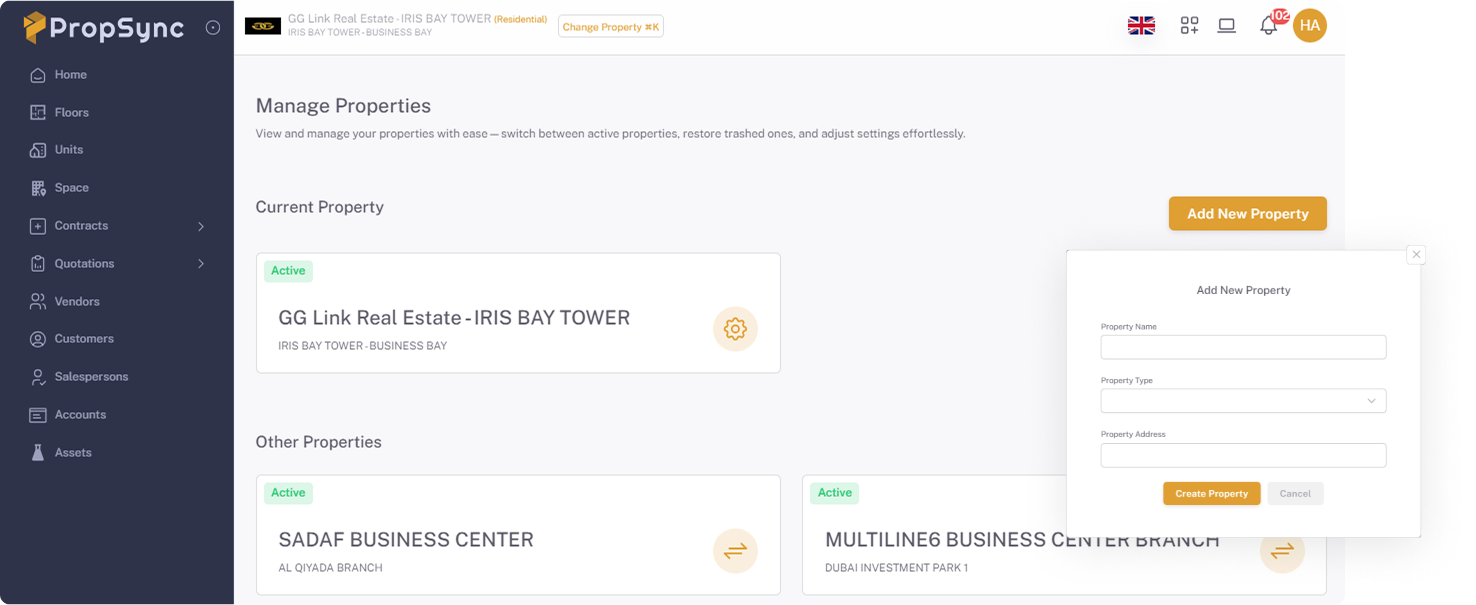
- Click on Shortcuts and Select the Properties Menu.
- Click on the Add New Button.
- Enter the Name , Type and Address of the Property.
- Click on the Create Property button.
2- View and Edit
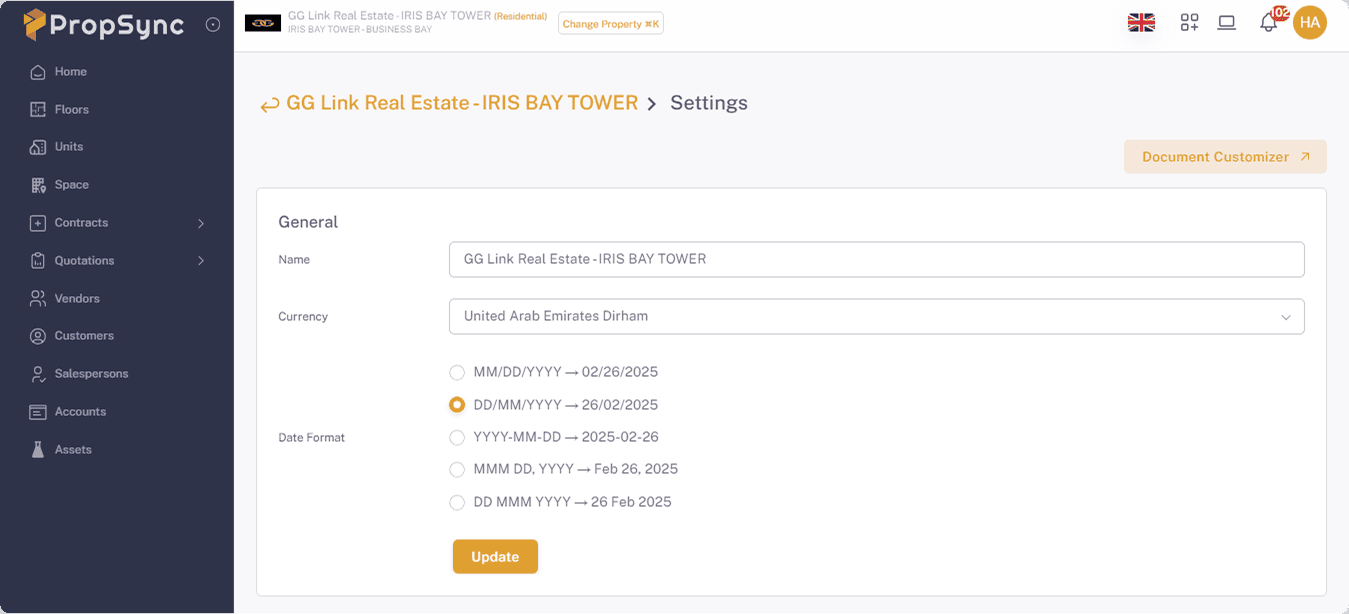
- Click on the Property Setting Button from card.
- After update the information click on the Update button.
3- Archive
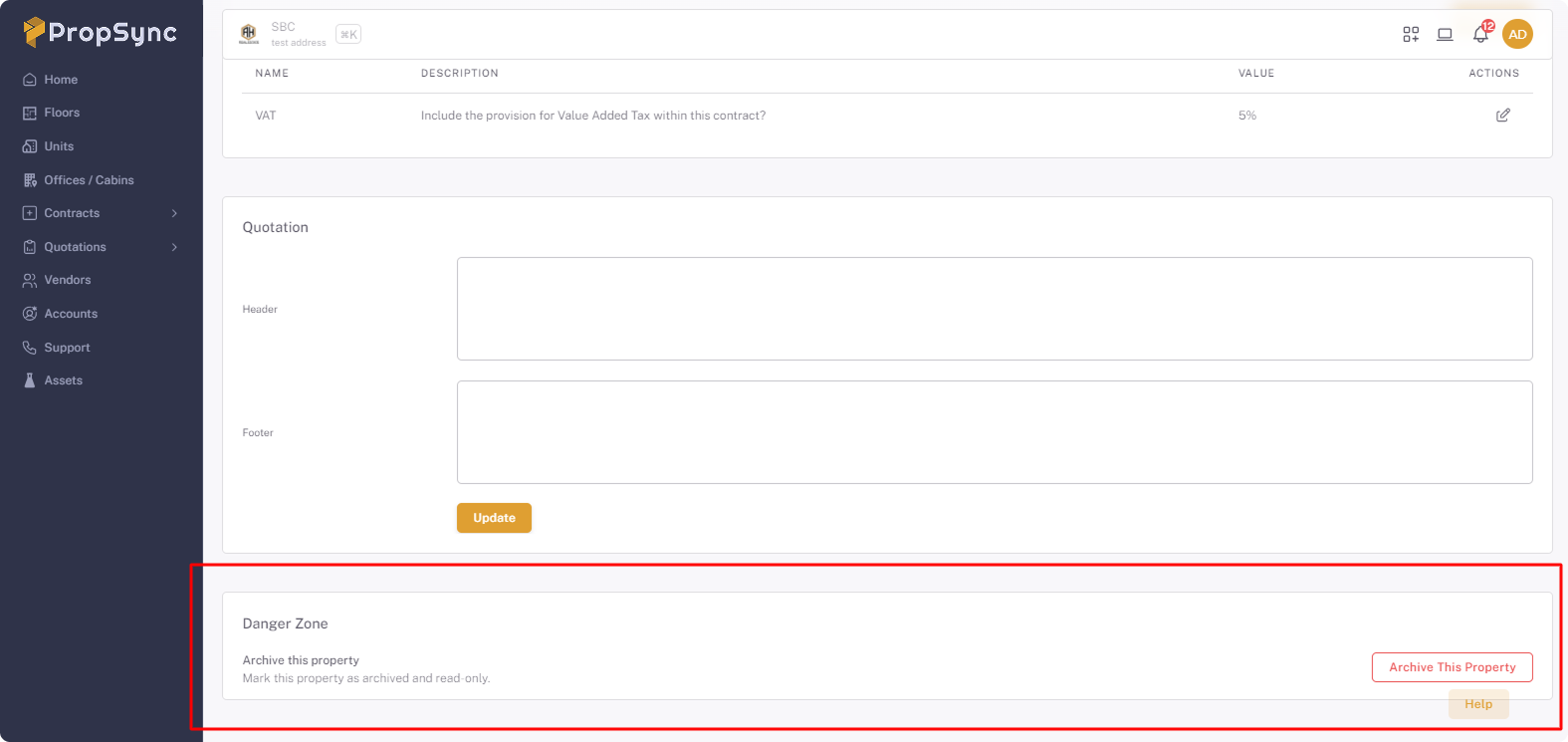
- Scroll the screen down and Click on Archive This Property button
Note
After archiving the property, all related data will be null and you will only be able to see the property.
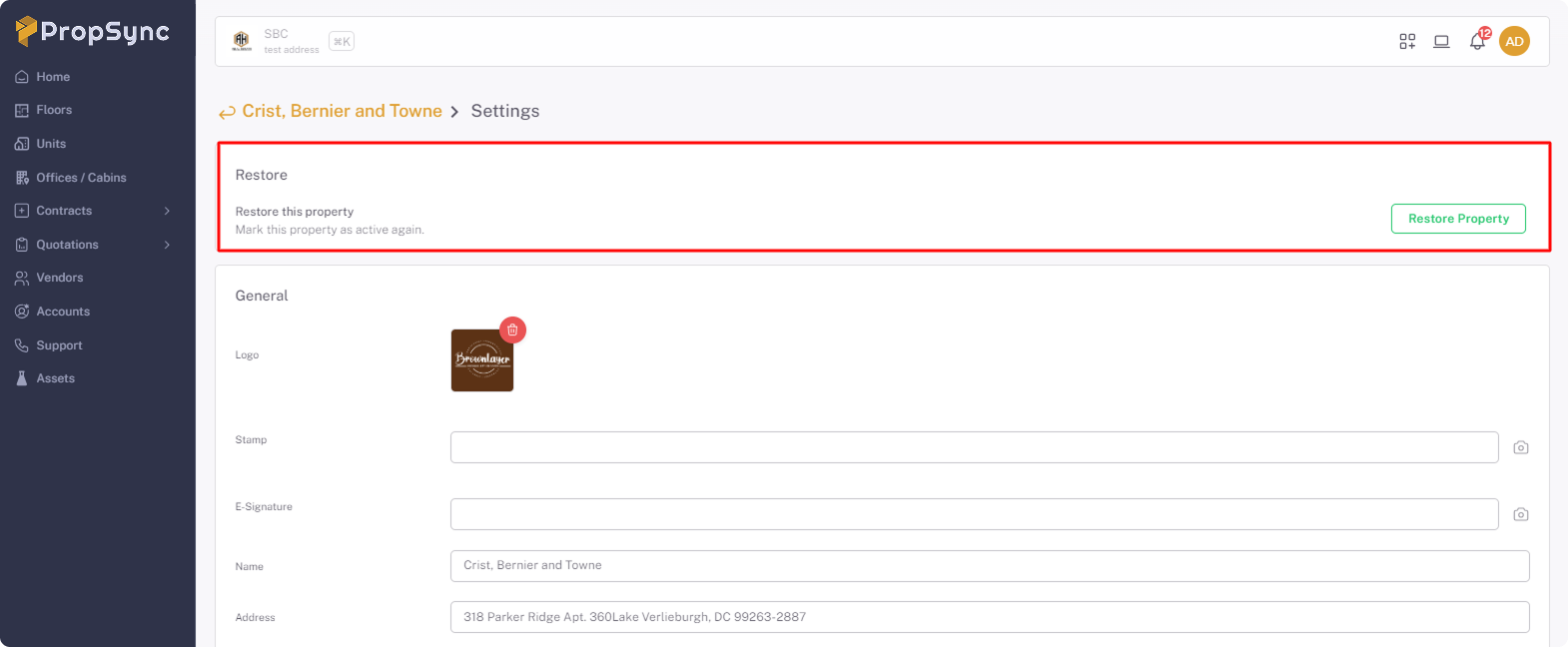
4- Restore
After click on Restore Proprty you will get the all related data of that specific property back like Floor , Unit, Contarct and other data.