Draft Contract
Create
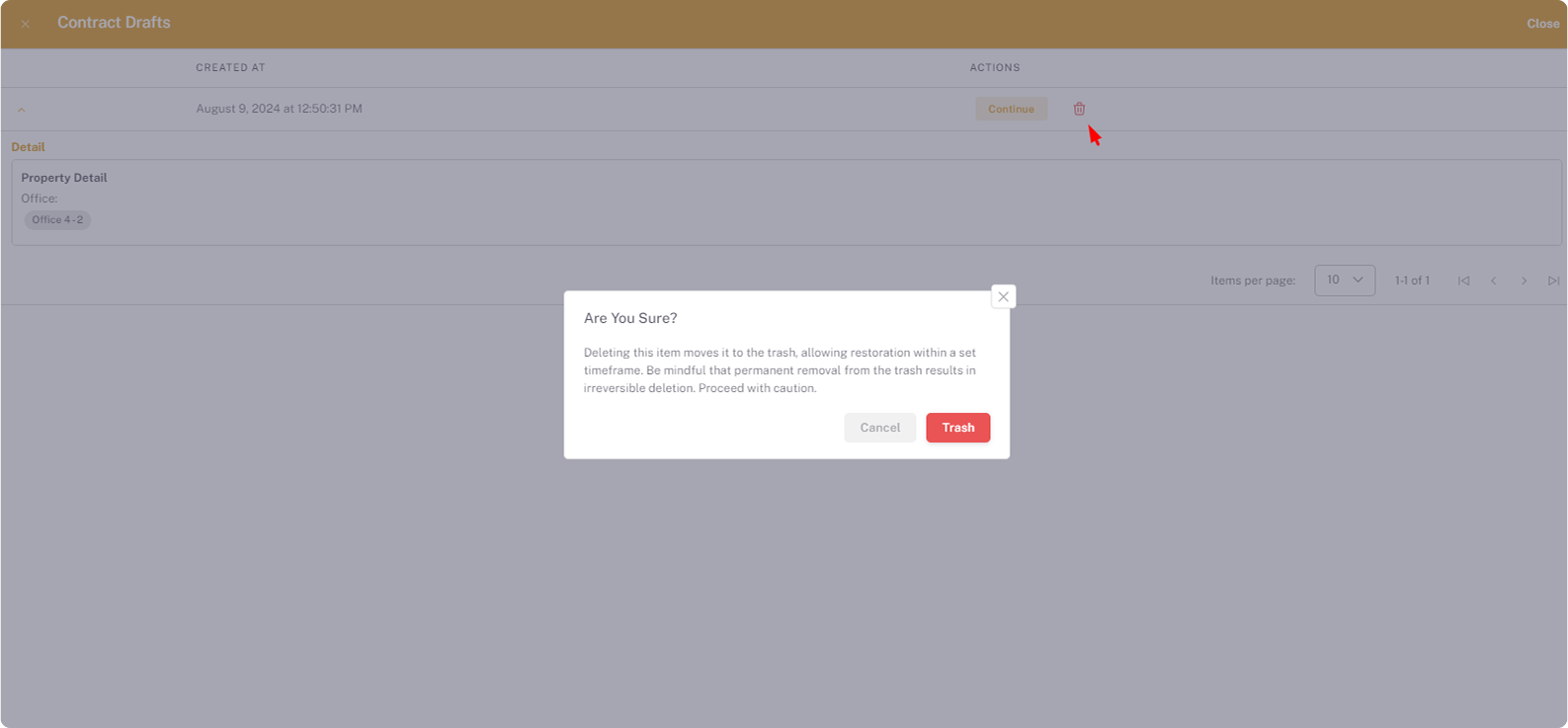
- Navigate to Create Contract view.
- Add the necessary changes and click on Save for later.
Note
- Your draft is automatically saved as you work. The draft is stored locally in your browser local storage on the system and under the user account you are currently logged in with.
- If you change your browser or user account it will be delete.
Open
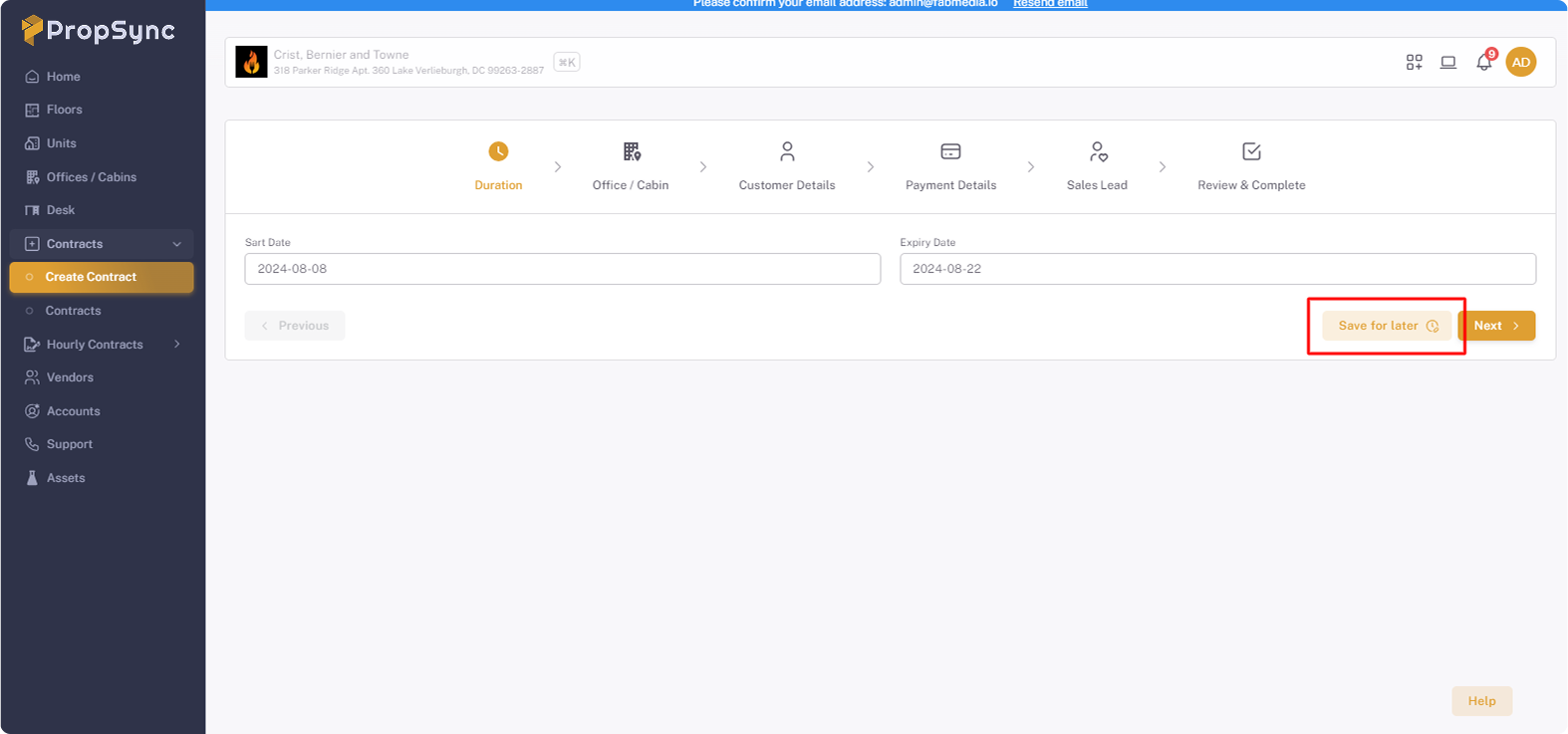
- Navigate to Create Contract view.
- Click on the Draft button at the top of the stepper.
Reopen Contract
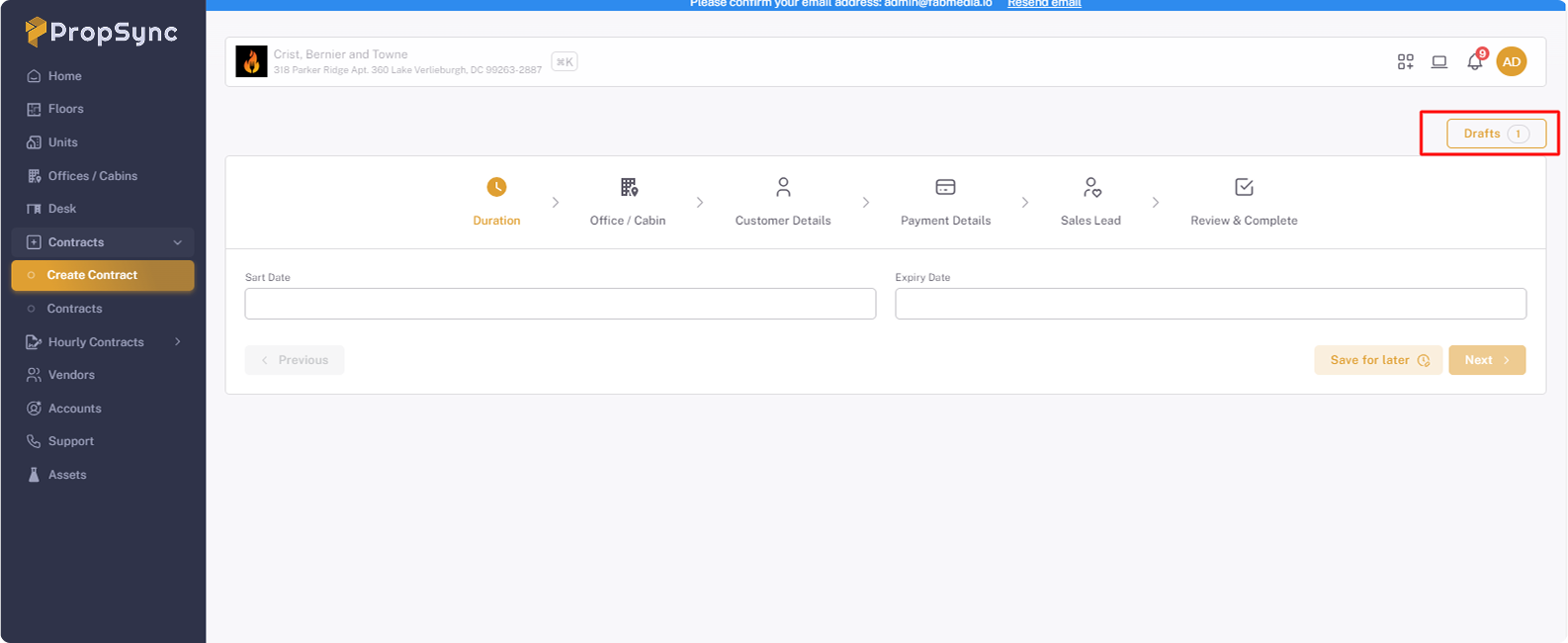
- Open the draft listing by click on Draft button in Create Contract.
- Click on Continue button to reopen the contract.
Delete
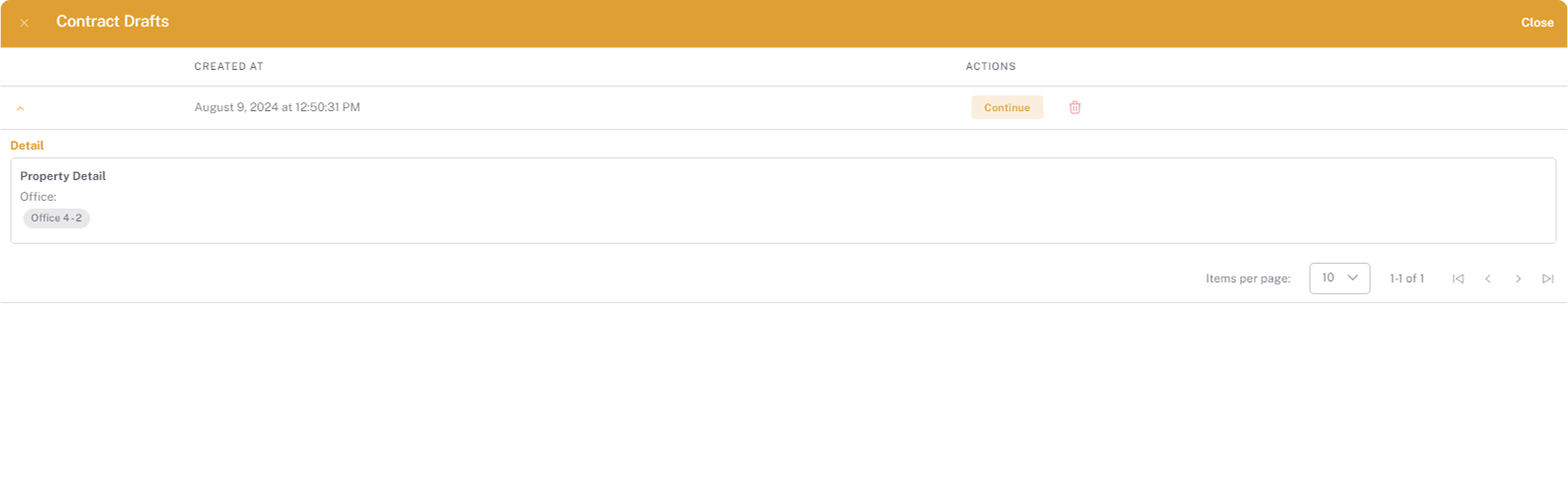
- Open the draft listing by click on Draft button in Create Contract.
- Click on Trash button .