Home
A PropSync is a digital tool designed to help landlords, property managers, and real estate professionals efficiently oversee and manage rental properties. It streamlines various tasks related to property management, making it easier to handle day-to-day operations.
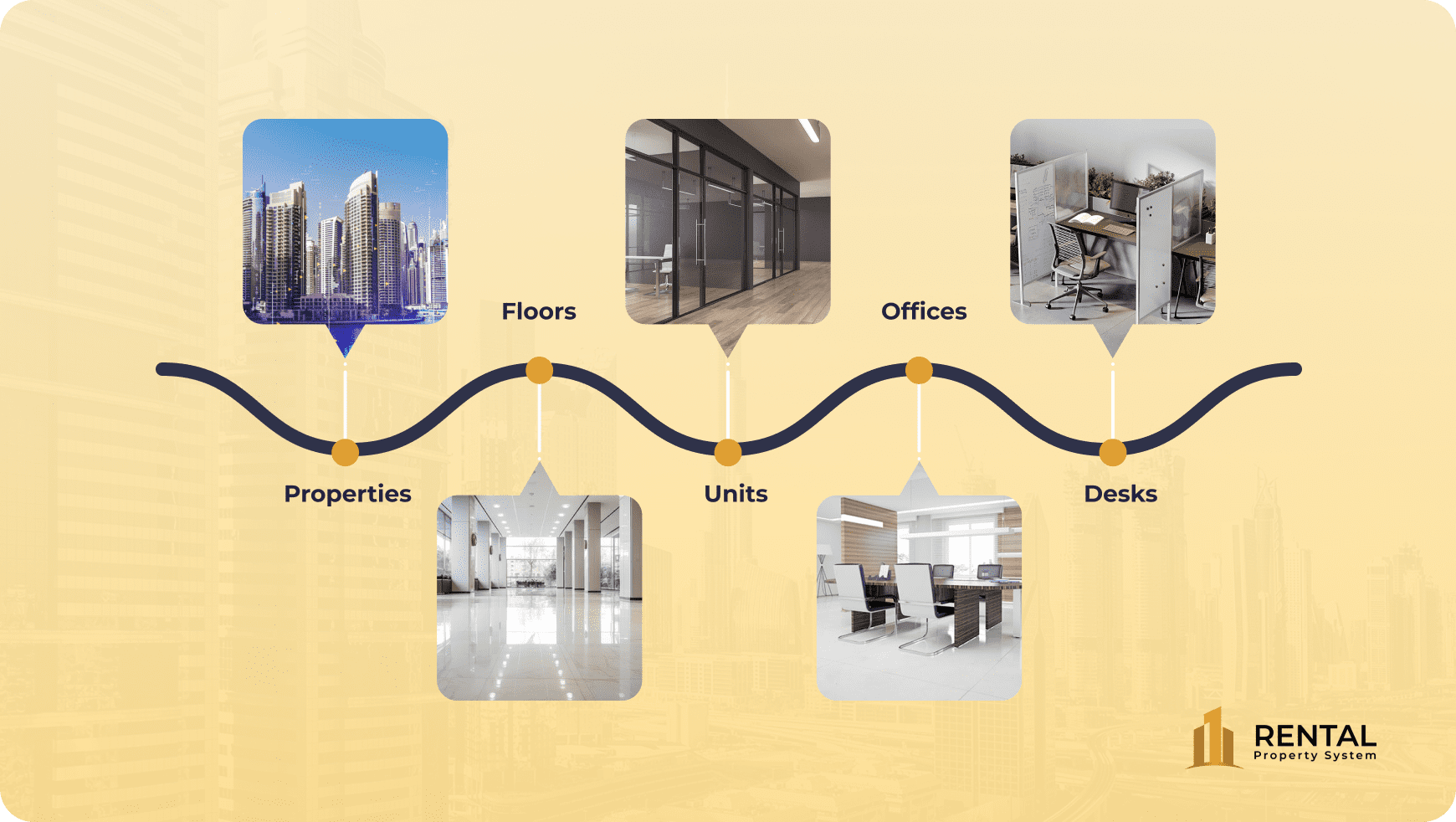
Let's discover PropSync.
Welcome to our comprehensive PropSync—a powerful tool designed to simplify and enhance your property management experience. Explore the diverse features that make managing your properties seamless and efficient:
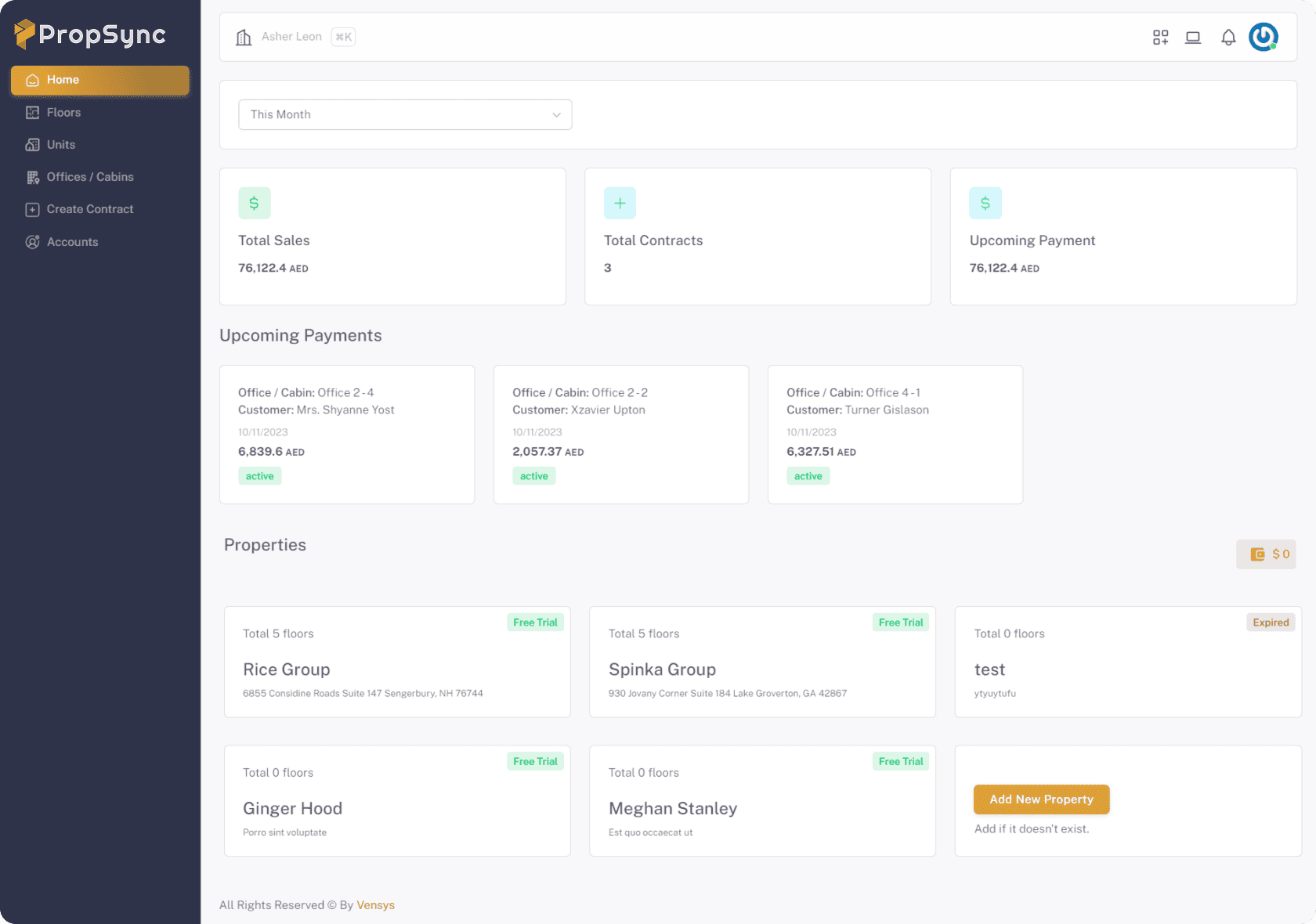
- Multi-property Management: Manage and oversee all your properties with ease.
- Floors & Units: Organize and keep track of different floors and individual units within each property.
- Offices & Desks: Manage office spaces and individual desks for commercial properties.
- Contracts: Handle all types of contracts, including lease agreements and hourly contracts.
- Quotations: Generate and manage quotations for potential clients.
- Notifications: Stay updated with automated notifications for important events and deadlines.
- Vendors: Manage relationships and transactions with various vendors.
- Accounts: Track financial transactions, including rent payments and expenses.
- Assets: Keep an inventory of property assets and equipment.
- Support: Provide and manage tenant support requests efficiently.
- Reporting: Access detailed reports for property performance, financials, and more.
- Draft Contracts: Create and manage draft contracts before finalization.
- Auto Payments: Automate rent payments and other recurring transactions.
- Theme Customization: Personalize the interface with theme customization options.
- Dark Mode & Light Mode: Choose between dark and light modes to suit your preference.
- Role and Permissions: Set and manage user roles and permissions for secure access.
- Multiple Taxes: Handle various tax types and rates effortlessly.
- Multi-Tenant Support: Efficiently manage multiple tenants and their specific needs.
- Activities: Monitor and manage all activities within your system efficiently.
1- Multi-property Management
Let’s suppose you have properties on different locations, managing the operations separately is not that easy. RPMS manages all that for you, you can add multiple properties and all the related data to each property that is handled separately by changing the property from the dashboard and helps you save time, money and keep hard copy records in files. It is possible on simple steps.
2- Space Management
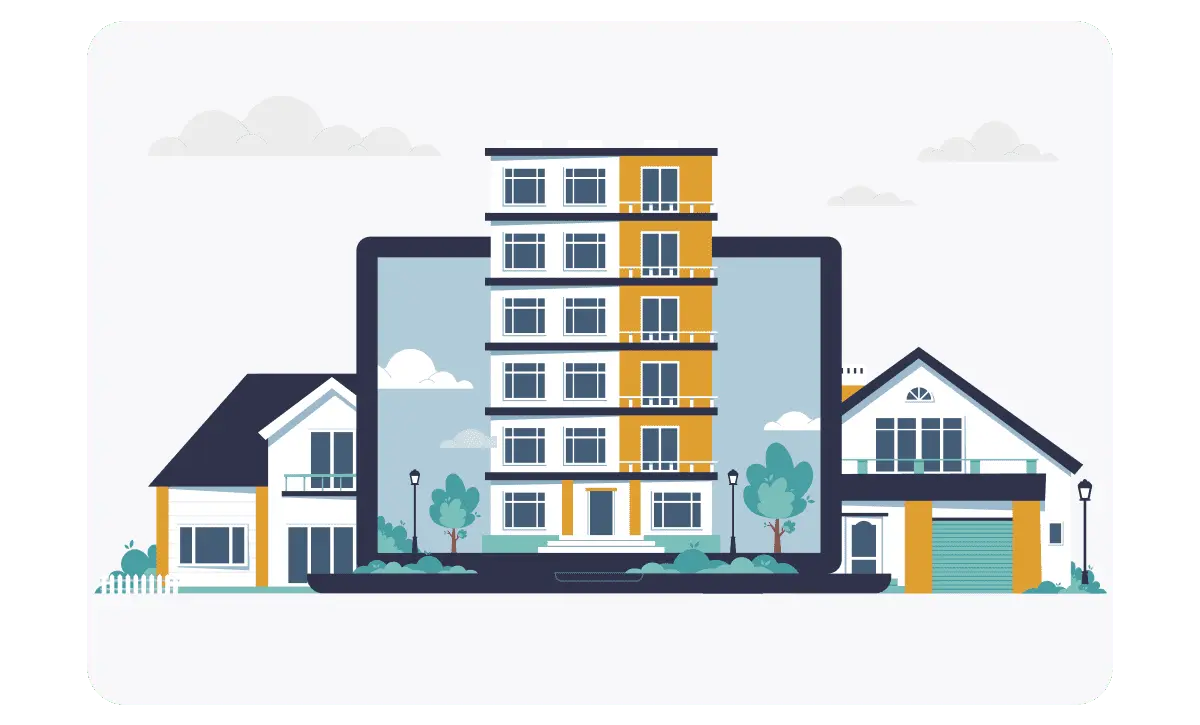
Whether you own multiple buildings or have several floors, offices, or cabins within a single property, RPMS has got you covered. Our intuitive interface allows you to effortlessly manage and categorize your properties, ensuring that you can access and update information with just a few clicks.
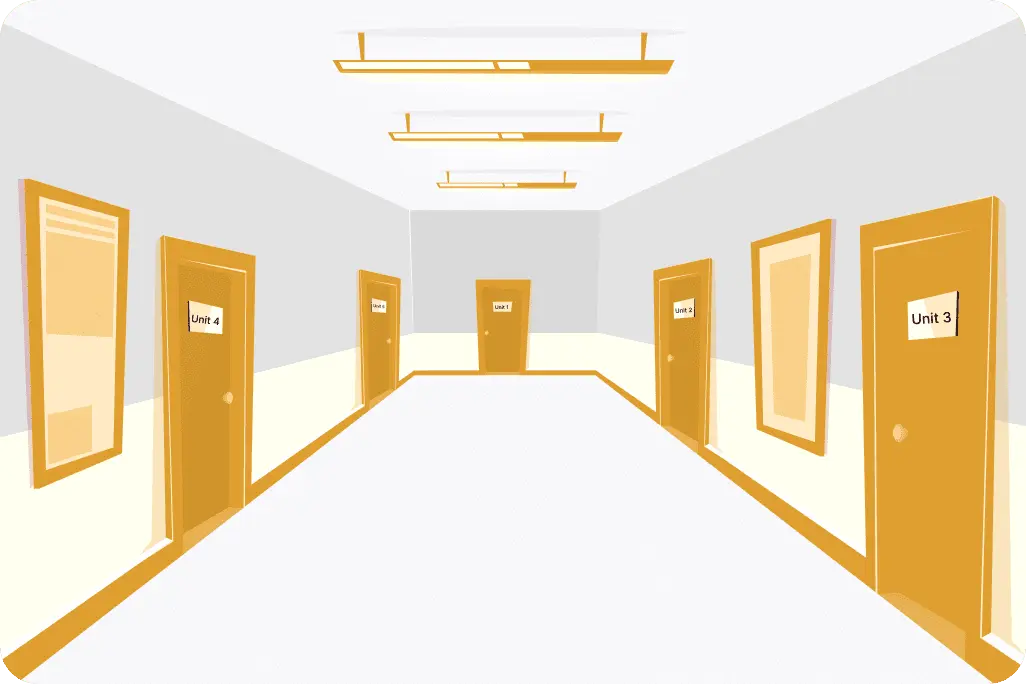
Floor:
Unit:
Office:
Desk:
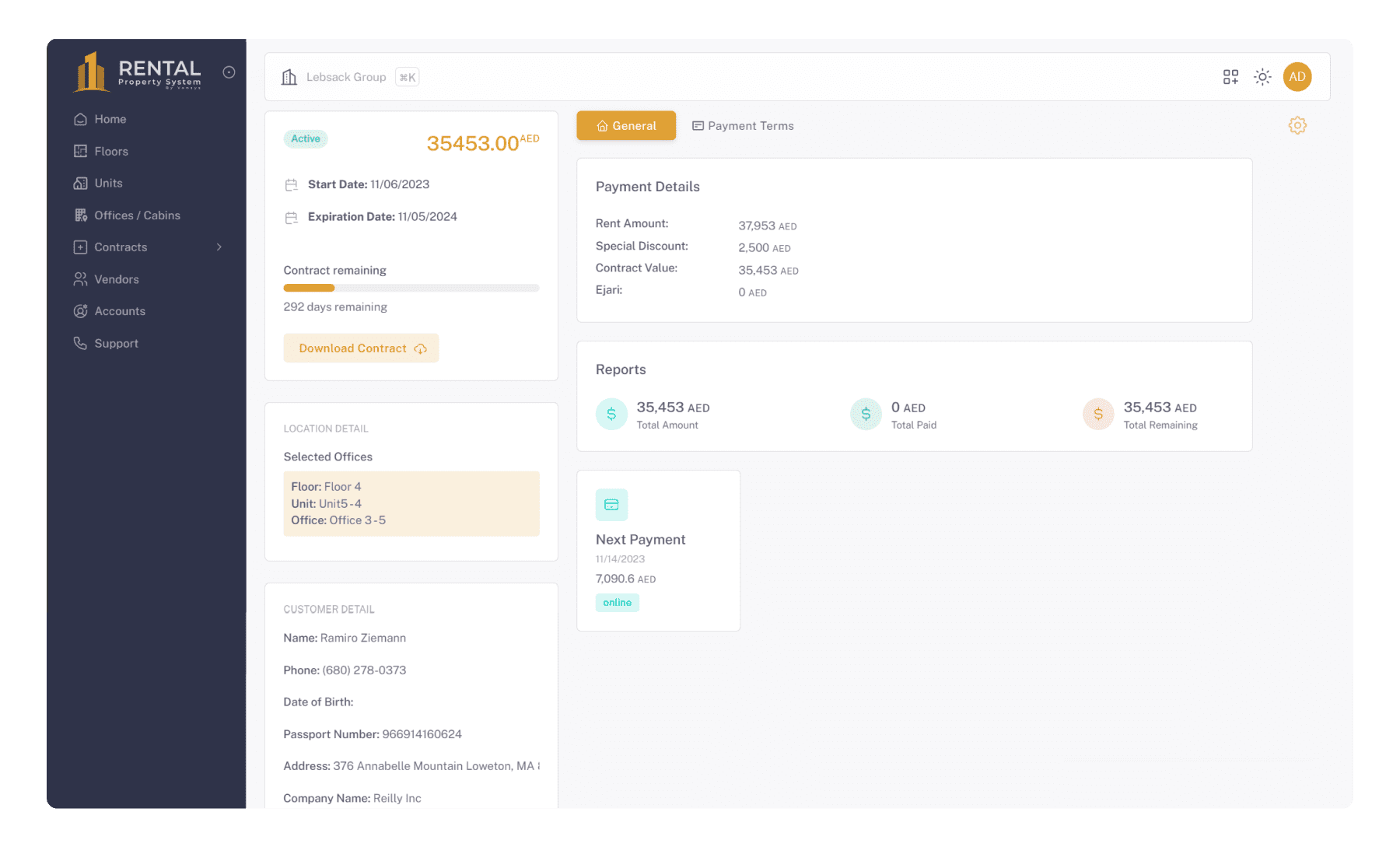
3- Agreement Management
Manage and oversee all types of contracts, including:
-
Lease Agreements: Administer and track all lease contracts, ensuring compliance with terms and conditions, renewals, and amendments.
-
Hourly Contracts: Handle contracts based on hourly work, including scheduling, invoicing, and adjustments as needed.
4- Draft Contracts
Manage your draft contracts efficiently before finalization. This feature helps you save time and streamline your operations by:
- Reviewing Drafts: Ensure all contract terms are accurate and complete before final approval.
- Streamline Operations: Improve workflow and reduce the time spent on contract management.
5- Quotation
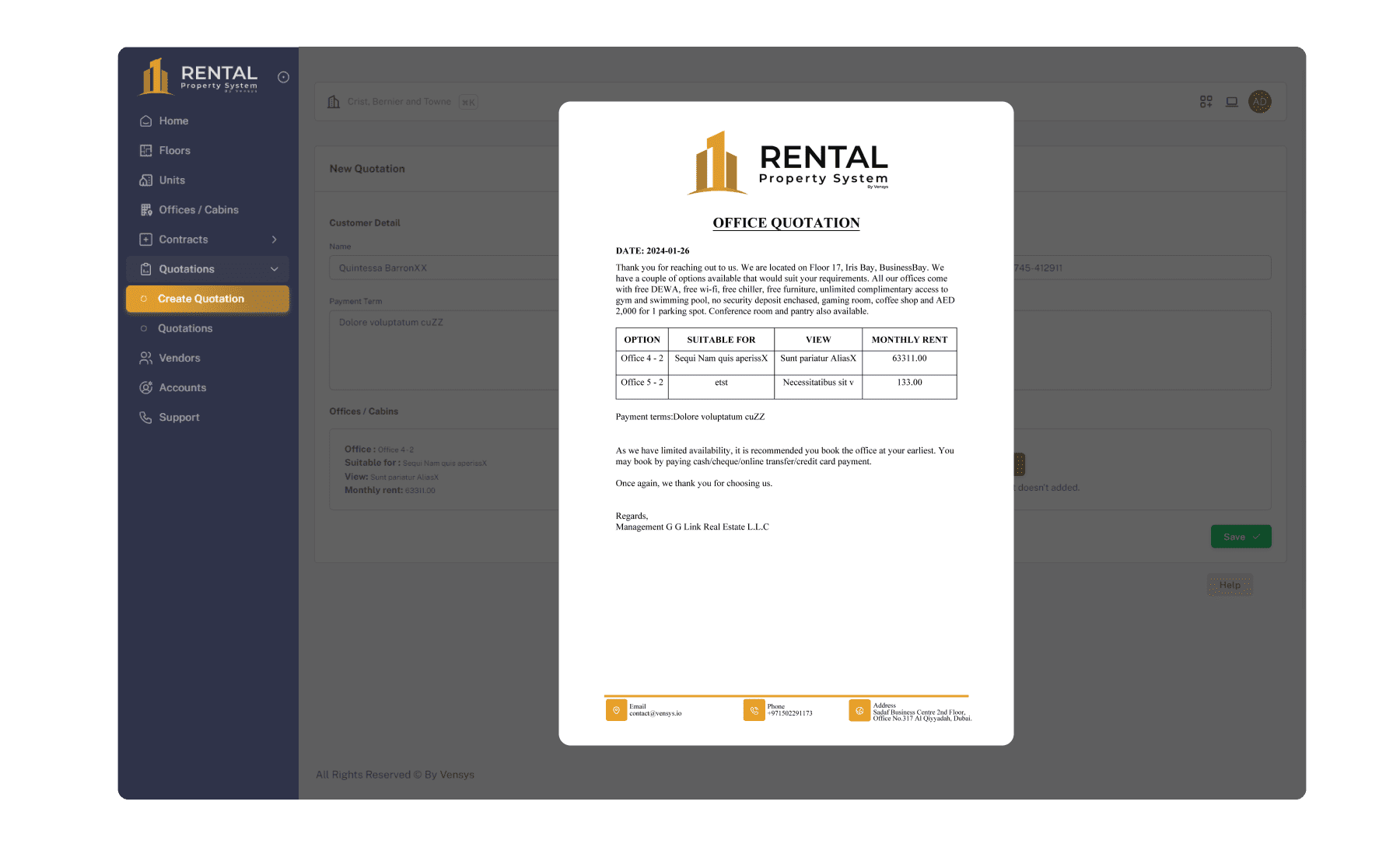
In the property business customers visit is where it all started and converting a visit into a mature lead is what we are always struggling with. Quotation module helps you to create a draft of the property details that the customer is interested in including the office size, facilities, office rent and payment plan. You can do this in four simple steps and you can share that with customers to follow up.
6- Reporting
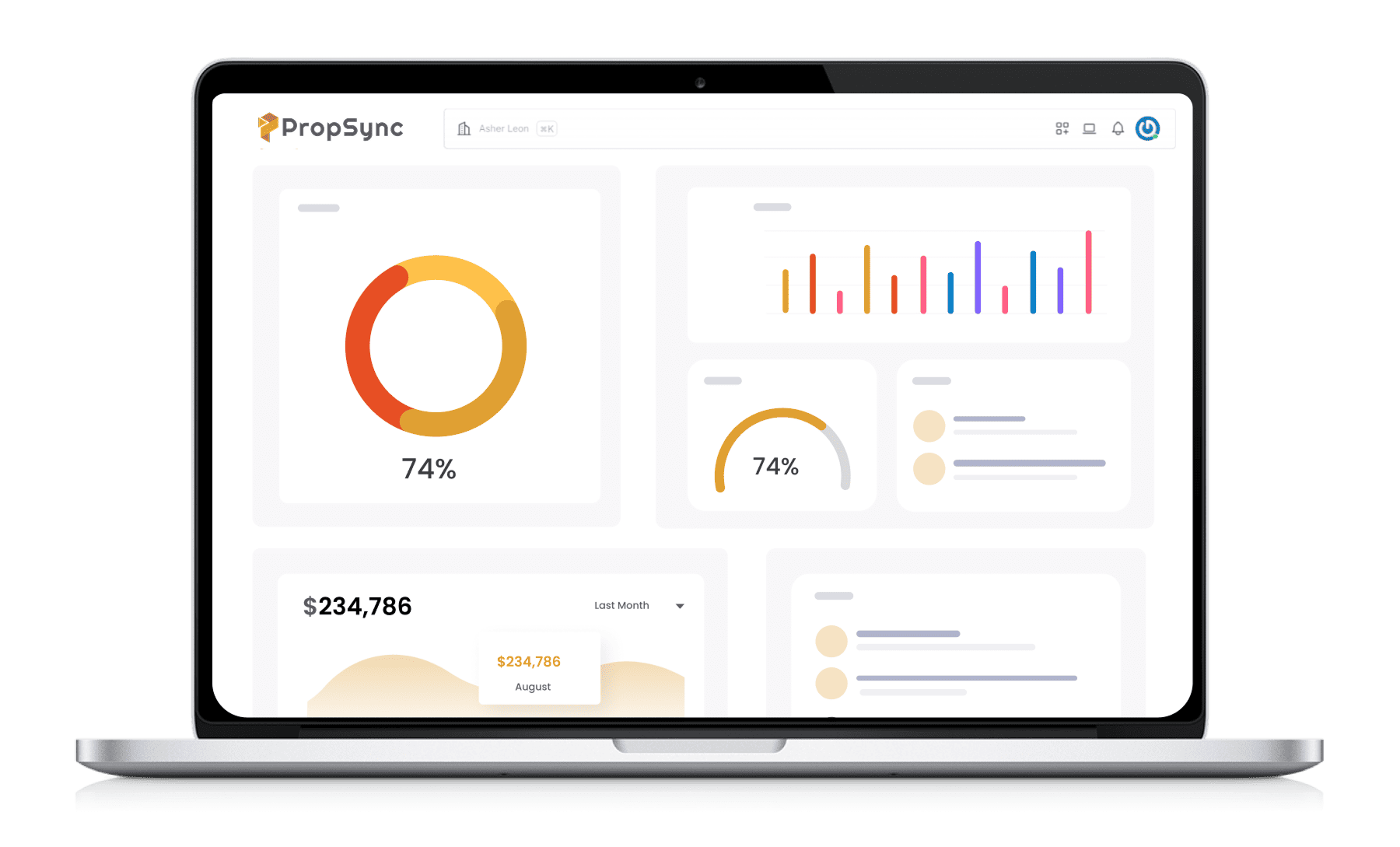
ROI allows you to evaluate your business and our reporting module helps you to track the Revenue, Sales, Availability of properties, Monthly payments. Miscellaneous expenses and Tenants transactions.These reports provide valuable insights to help you make informed decisions and optimize your rental business for maximum profitability.
7- Assets
Allows you to effectively manage and oversee all property assets and equipment. It provides:
- Inventory Management: A detailed list of all assets, office furniture, systems, and equipment, ensuring you have a clear view of what is available and where it is located.
- Usage Tracking: Insights into how assets are being used, helping you optimize their utilization and avoid overuse or underuse.
- Maintenance Records: An organized system for scheduling and tracking maintenance activities, ensuring that assets are kept in good condition or not.
8- Multiple Taxes
Easily manage various tax types and rates across multiple contracts. This feature allows you to:
- Add Multiple VAT Rates: Set and apply different VAT rates with their respective percentages to suit various contracts.
- Customize Tax Types: Manage multiple tax types, including sales tax, service tax, and others, according to your specific needs.
- Automate Calculations: Automatically calculate taxes based on the specified rates, ensuring accuracy and saving time.

9- Role and Permissions
Set and manage user roles and permissions to ensure secure access. This feature enables you to:
- Define User Roles: Create specific roles for different user types, such as administrators, managers, and staff, each with specialized access levels.
- Assign Permissions: Grant or restrict access to various features and sections based on user roles, ensuring that sensitive information is protected.
- Manage Access: Easily update and modify roles and permissions as needed to accommodate changes in your team or organizational structure.
- Enhance Security: Ensure that users only have access to the information and tools they need, minimizing the risk of unauthorized access.
10- Accounts
Efficiently manage all financial aspects with the Accounts module. This feature allows you to:
- Income Tracking: Monitor and record all sources of income, ensuring you have a clear view of your financial inflows.
- Expense Tracking: Keep a detailed account of all expenditures to manage your outflows effectively.
- Upcoming Payments: Stay informed about upcoming payments and due dates to ensure timely transactions and avoid late fees.
- Fee Invoices: Generate and manage invoices for various fees, track their status, and send reminders to ensure fair payments.
11- Support
Provide and manage support requests efficiently with the Support module. This feature allows you to:
- Support Requests: Easily submit and track support requests to ensure timely resolution of issues.
- FAQ Section: Access a comprehensive FAQ section to find quick answers to common questions and reduce the number of support requests.
- Ticketing System: Utilize a ticketing system to prioritize and manage requests based on urgency and importance.
12- Notifications
Stay updated with automated notifications for important events and deadlines. This feature allows you to:
- Automated Alerts: Receive timely alerts for critical events, such as contract renewals, payment due dates, maintenance schedules, and more.
13- Activities
Monitor and manage all activities within your system efficiently. This module allows you to:
- Activity Log: Maintain a comprehensive log of all actions and changes within the system, providing a clear track of all property-related activities, contracts, and other module interactions.
- User Activity: Track user activities to ensure transparency and accountability, including logins, updates, and other actions.
14- Theme Customization:
Personalize your interface with a variety of theme customization options. This feature allows you to:
Skins:
Personalize your interface with a selection of skins. Each skin offers a distinct design style, allowing you to easily change the look and feel of your application to suit different preferences or branding requirements.
Theme:
- Dark Mode: Reduce eye strain in low-light environments with a dark-themed interface.
- Light Mode: For a brighter, light-themed interface for better visibility in well-lit environments.
Primary Color:
Define the primary color of your theme to match your brand colors or personal preferences. This color will be applied across various interface elements.
Menu:
- Collapsed Menu: Choose the collapsed menu option to optimize screen space and provide a cleaner, more streamlined interface. The menu remains hidden until needed, which helps reduce clutter and enhances usability.
- Semi-Dark Menu: For a semi-dark menu to achieve a modern look while maintaining a subtle contrast with the main content area. This option helps reduce eye strain and adds a sleek, professional touch to your application.