Account
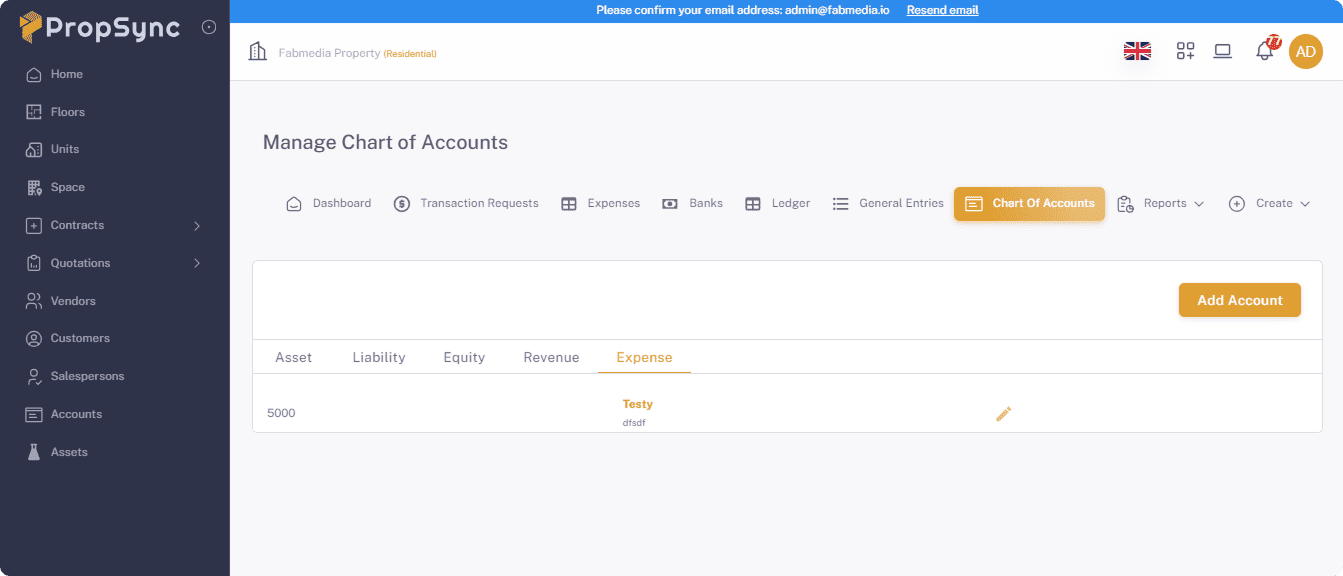
Chart of accounts
Here you can get all your char of accounts for manage your accounts.
- Click on the Add Account button for add the new account.
- Fill the information and click on the Add button.
Banks
Here you can get all your bank accounts for manage your bank accounts.
- Click on the Add Bank Account button for add the new account.
- Fill the information and click on the add button.

Expenses
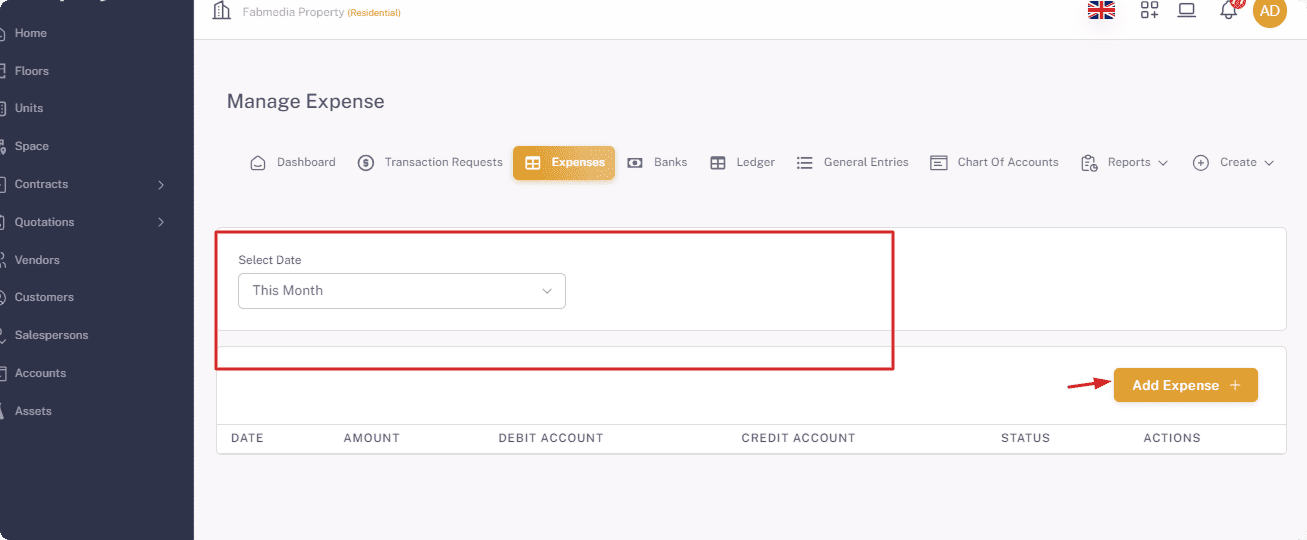
Here you can get all your expenses expenses.
- Click on the Add Expense button for add the new expense.
- Fill the information and click on the add button.
- Select the range for filter the specific range of reporting.
Ledger
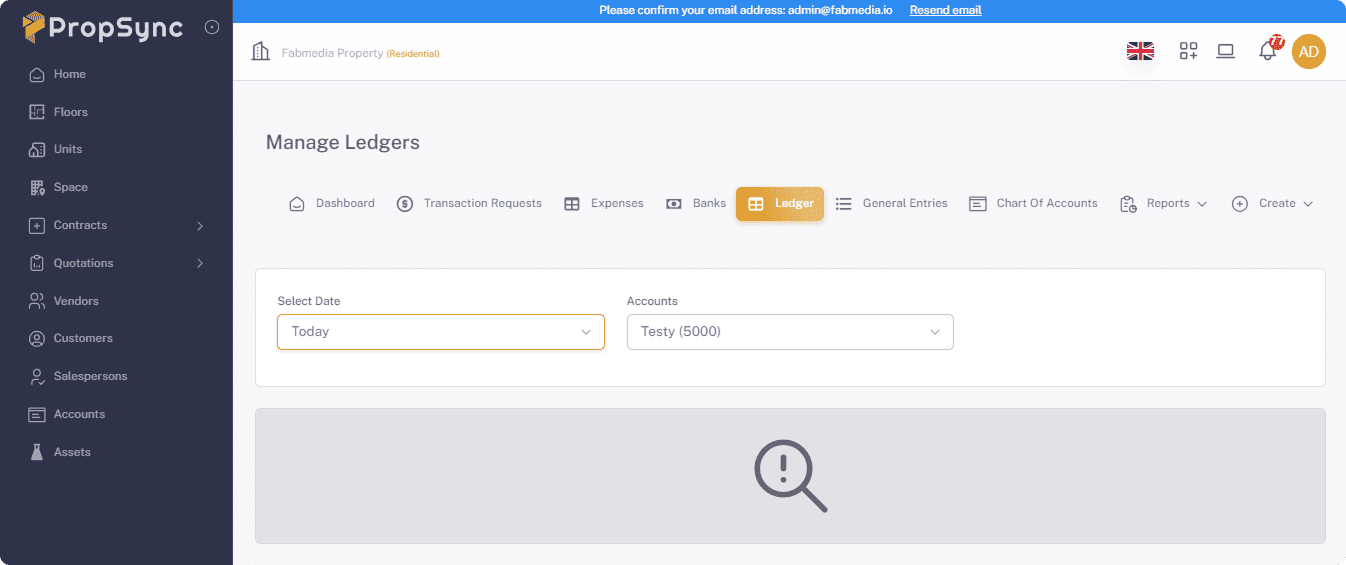
Get all the detail of Ledger, you just need to set your Date range and you wil be get all data .
- Set Date Range.
- Select the Account.
General Entories
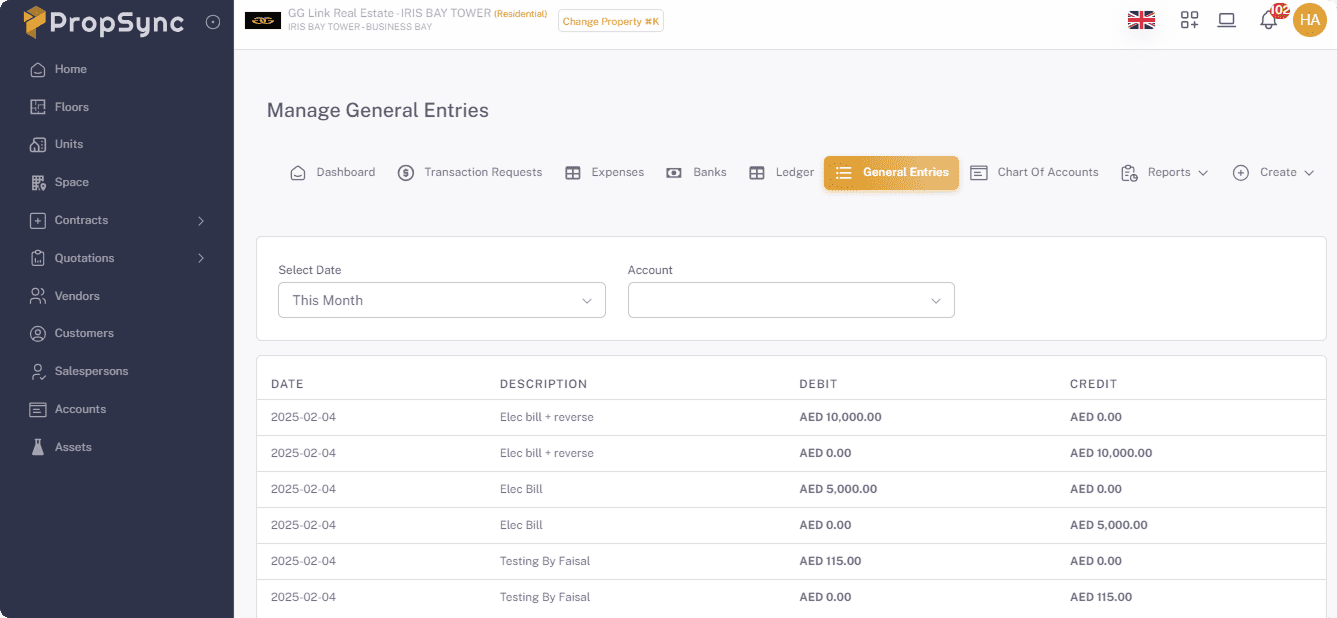
Get all the detail of General Entories, you just need to set your Date range and you wil be get all data .
- Set Date Range.
- Select the Account.
Reports
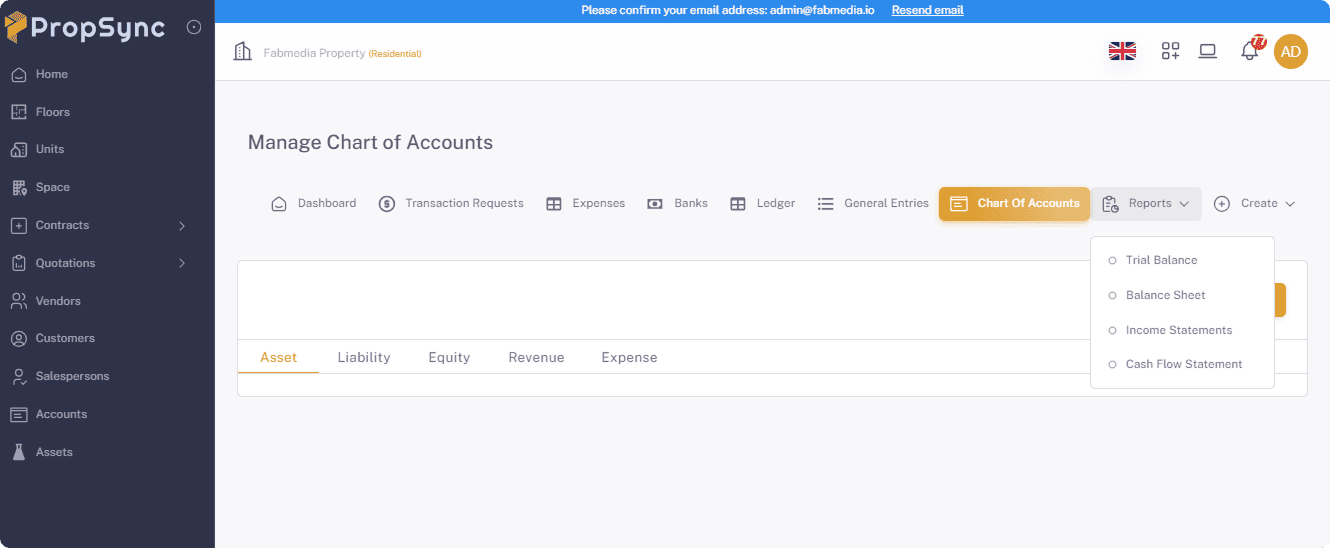
- Here you can get the all your account reports that give you clear picture about your accounts.
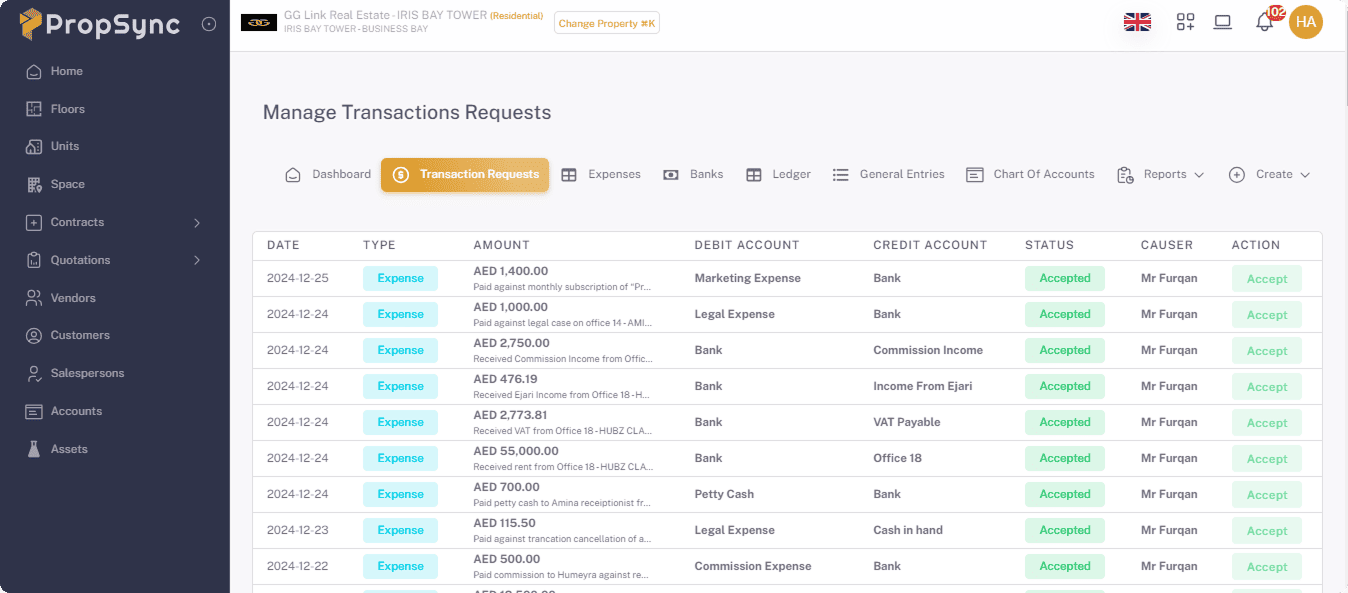
Transaction request
- Here you can get the all you Transaction request for the account entry.